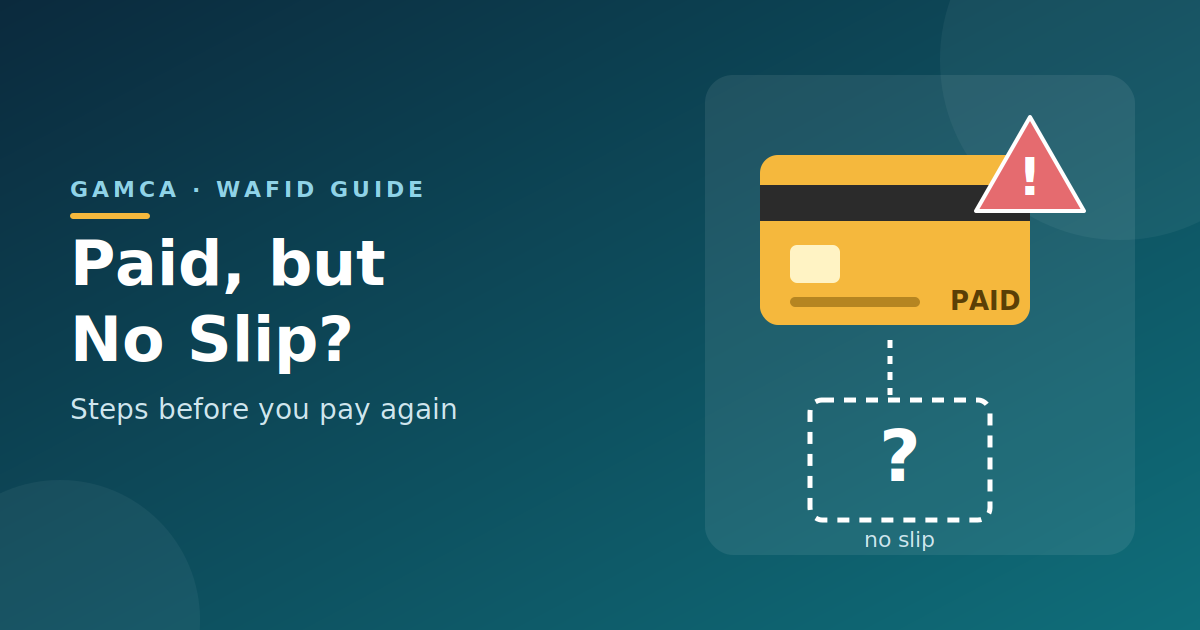
Paying for a GAMCA medical appointment online should normally be followed by the appointment registration process. However, some applicants may find that money has been deducted from their bank account or card without receiving a medical appointment slip.
This can be stressful, particularly when an employment visa or travel deadline is approaching.
If your GAMCA payment has been deducted but the appointment is not confirmed, avoid making repeated payments immediately. First, verify the transaction and follow the official procedure for reporting a payment issue.
Why Was the Payment Deducted Without Generating a Slip?
Several situations may explain why a payment appears successful, but the appointment slip is unavailable.
- The payment transaction has not been fully processed.
- The browser or internet connection was interrupted during the booking.
- The payment was recorded, but the slip was not generated or displayed.
- A technical issue affected the appointment registration process.
- The bank shows a debit while the payment status on the booking system remains unclear.
These are possible explanations rather than confirmation of what happened in an individual case. The transaction and appointment status must be checked before deciding what to do next.
What Should You Do First?
Step 1: Check Your Bank or Card Transaction
Open your banking application or card statement and verify whether the amount was actually debited.
Record the transaction date, approximate time, amount and reference number. If the transaction is pending rather than completed, check its status with your bank.
Do not share your card PIN, CVV or one-time password with anyone claiming to help generate your appointment slip.
Step 2: Check Whether Your Appointment Slip Is Available
Visit the official Gamca website and check the available appointment and slip-related options.
The official portal provides a slip-generation option using the applicant’s passport number and nationality. Check whether your appointment details are available before attempting another booking.
If the slip is still unavailable, proceed to the official support process.
Step 3: Contact Official Support
Applicants whose payment was made but whose slip was not generated should contact info@gamca.in and provide the relevant payment and applicant information.
Include the information requested by WAFID, such as:
- Nationality
- Date and time of payment
- Passport number
- Full name
- Email address
- Transaction or bank statement evidence
Follow the current instructions on the official FAQ for any additional information or documents required. Send sensitive documents only through the official support channel.
Step 4: Keep a Record of Your Complaint
Save your email, transaction reference and any response received from WAFID. If you need to follow up, include the original complaint details so the support team can identify the issue.
You may also contact your bank if the transaction status remains unclear.
Should You Pay Again to Generate the GAMCA Slip?
Avoid making another payment until you have checked the first transaction and the status of your appointment.
If you pay again while the first transaction is still being processed, you may risk a duplicate payment.
We also provides separate instructions for applicants who have made two payments and want to request a refund for one of them. Refunds should be requested through the specified official process rather than assumed to happen automatically.
What If the Appointment Is Urgent?
If your visa or employment deadline is approaching, mention the urgency in your support email and provide your payment reference. You should still wait for confirmation of the correct next step rather than generating repeated bookings without checking the existing transaction.
Conclusion
A payment deduction without a generated GAMCA appointment slip does not necessarily mean that the booking has failed permanently. Verify the bank transaction, check the official portal and report the issue to GAMCA with the requested information. Avoid duplicate payments until the status of the original transaction has been clarified.