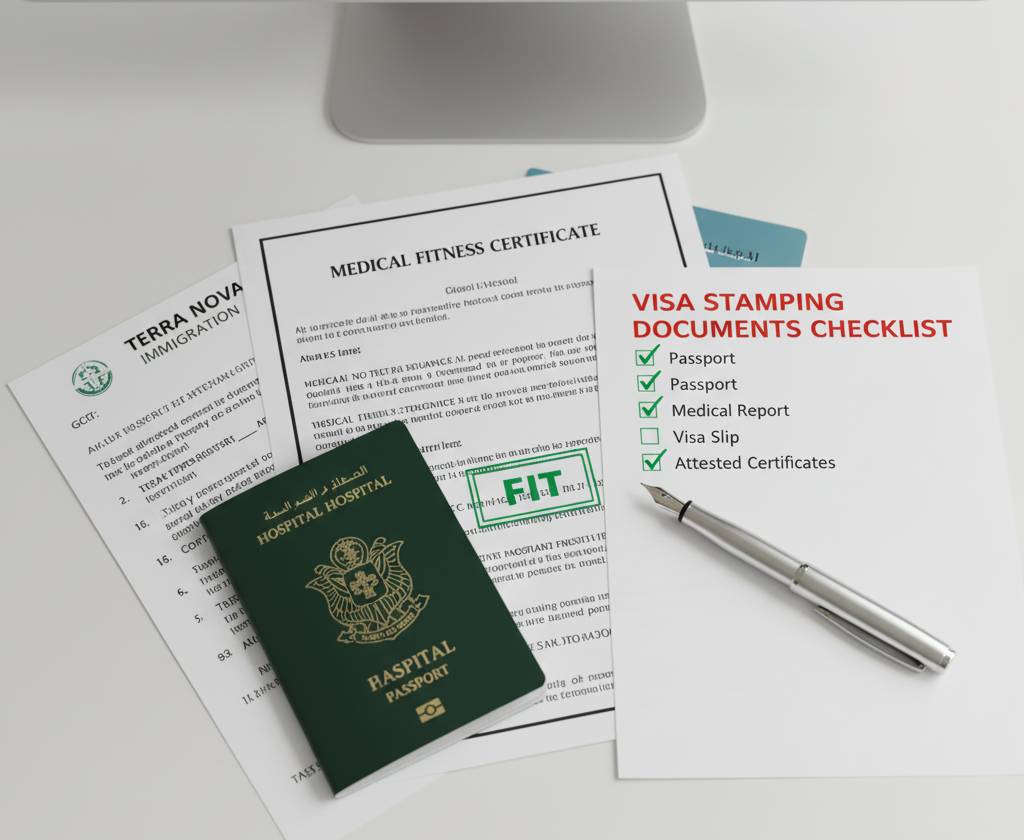

Duplicate records in the GAMCA system can create unexpected challenges during the GCC medical examination process. Applicants may encounter errors while booking a medical appointment, retrieving their registration details, or accessing their medical status if multiple records exist under the same passport or personal information. Addressing duplicate records promptly is essential to avoid delays in your GCC employment visa application.
This guide explains why duplicate records occur, how they affect your application, and the steps you can take to resolve them.
What Are Duplicate Records in the GAMCA System?
A duplicate record occurs when more than one profile is created for the same applicant in the GAMCA database. This usually happens when the same passport information is used to register multiple times or when incorrect personal details lead to the creation of separate records.
Duplicate records can prevent the system from processing your application correctly and may result in booking or verification issues.
Common Causes of Duplicate Records
Several factors can lead to duplicate entries in the GAMCA system, including:
- Registering multiple times after a payment or booking failure.
- Entering different spellings of your name during registration.
- Using an incorrect passport number and registering again with the correct one.
- Technical errors during the online registration process.
- Creating a new application without checking the status of an existing one.
- Multiple booking attempts through different agencies.
Understanding the cause can make it easier to resolve the issue.
How Duplicate Records Affect Your Application
Having duplicate records may lead to several problems, such as:
- Inability to complete a medical appointment booking.
- Errors while checking your medical status.
- Delays in visa processing.
- Conflicting appointment details.
- Difficulty retrieving previous medical records.
- Rejection of a new booking request due to an existing record.
Resolving duplicate records before your medical examination helps prevent unnecessary complications.
Signs You May Have Duplicate Records
You may have duplicate records if:
- The system displays an error indicating that your passport is already registered.
- You receive multiple application numbers for the same passport.
- Your medical status cannot be retrieved despite completing registration.
- Different booking details appear for the same personal information.
- Your appointment request is repeatedly rejected without a clear reason.
If you notice any of these issues, it is advisable to investigate before creating another application.
How to Fix Duplicate Records
1. Verify Your Existing Registration
Before creating a new application, check whether your passport already has an active registration or appointment.
Review your confirmation email, payment receipt, or application number to confirm your existing booking.
2. Gather Supporting Documents
Keep the following documents ready:
- Passport copy.
- Previous appointment confirmation.
- Payment receipt.
- Application number.
- Transaction reference, if available.
These documents help verify your identity and existing registration.
3. Contact GAMCA Support
If duplicate records are preventing you from proceeding, contact the official GAMCA support team and explain the issue clearly.
Provide accurate information, including:
- Full name.
- Passport number.
- Date of birth.
- Application number.
- Screenshots of any error messages.
Complete information helps the support team locate and review your records more efficiently.
4. Avoid Creating Additional Applications
Many applicants attempt multiple registrations after encountering an error, which often creates more duplicate records.
Instead of registering again, wait for a response from the support team or verify the status of your existing application.
5. Follow the Instructions Provided
After reviewing your case, the support team may:
- Remove duplicate entries.
- Merge existing records.
- Ask you to submit updated documents.
- Request a fresh registration if necessary.
Follow their instructions carefully to complete the correction process.
Tips to Prevent Duplicate Records
To avoid duplicate entries in the future:
- Register only once using accurate passport details.
- Double-check your name, passport number, and date of birth before submitting the application.
- Wait for payment confirmation before attempting another registration.
- Keep your application number and payment receipt safe.
- Do not submit multiple applications through different agents.
- Contact support if you experience technical issues instead of creating a new booking.
These simple precautions can help ensure a smooth registration process.
How Long Does It Take to Resolve Duplicate Records?
The time required to fix duplicate records varies depending on the complexity of the issue and the number of requests being handled. Straightforward cases may be resolved within a few business days, while more complex situations requiring document verification may take longer.
Applicants should avoid making repeated registration attempts during this period, as doing so can further complicate the issue.
Conclusion
Duplicate records in the GAMCA system can delay your medical appointment and GCC visa process, but they can usually be resolved by verifying your existing registration, providing the necessary documents, and contacting the appropriate support team. Registering only once, entering accurate information, and keeping your application records safe are the best ways to prevent duplicate entries and ensure a hassle-free GAMCA medical booking experience.