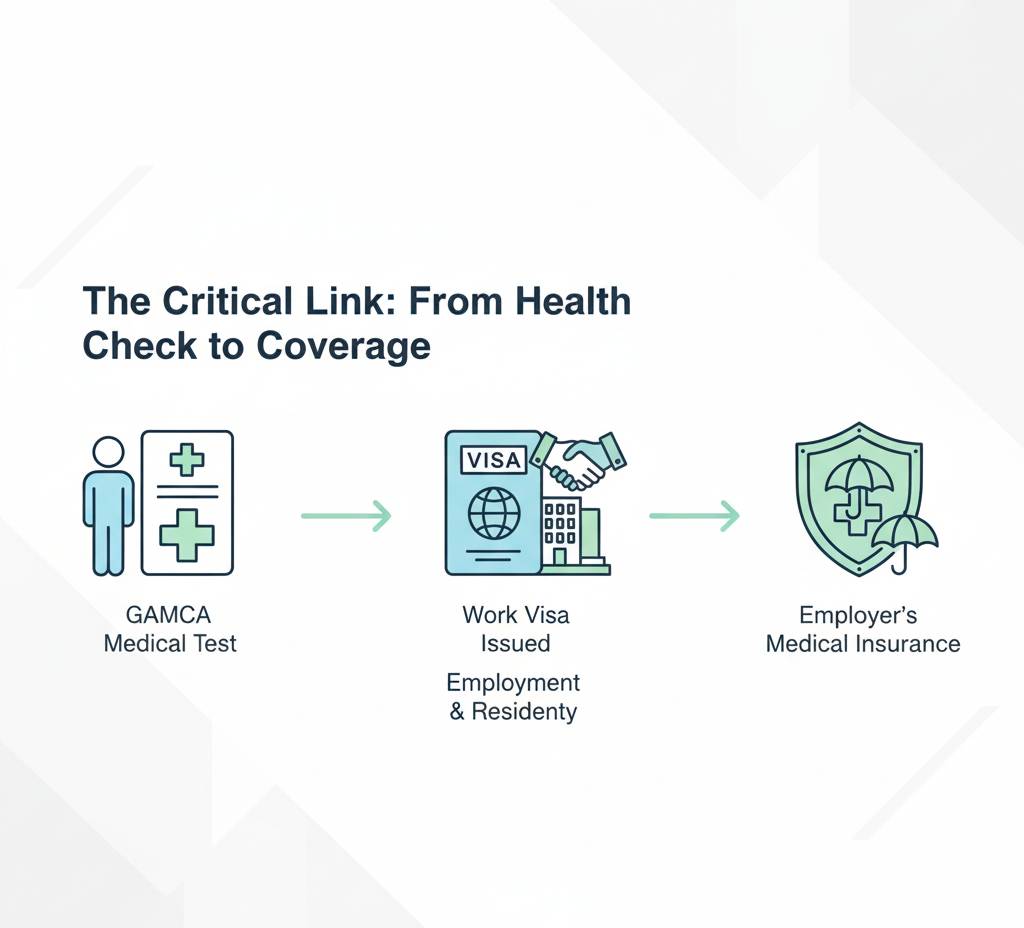
GAMCA medical reports are essential for workers traveling to GCC countries. Because many fraudulent reports circulate online, it is important to verify whether your medical report is genuine, updated, and approved by the official system. Below are the accurate steps to help you confirm authenticity.
1. Verify Through the Official GAMCA Portal
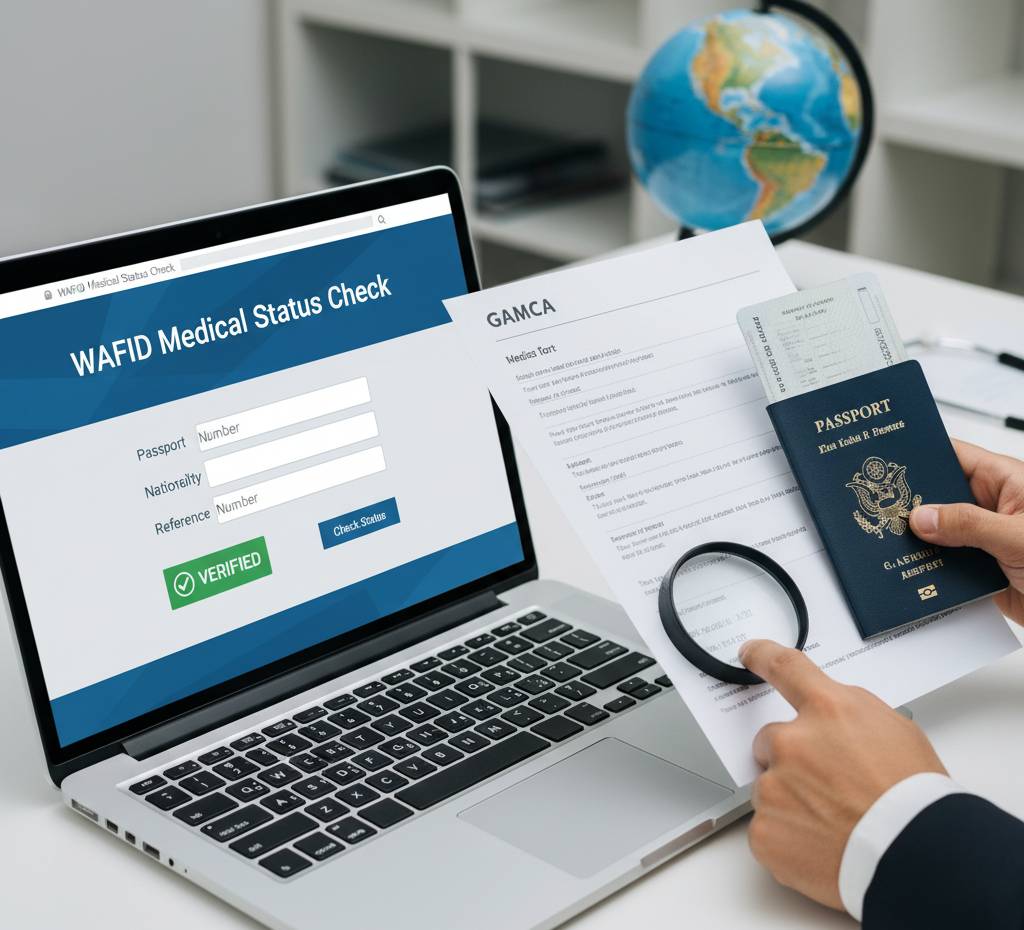
The safest and most reliable way is to check your report directly on the official Gamca website.
Steps:
- Visit the official Gamca portal.
- Select “Check Medical Status” or “View Report” from the menu.
- Enter your:
-
- Passport number
- GAMCA slip number (medical referral number)
- Submit the details.
- The system will show your real-time medical status:
-
- FIT
- UNFIT
- Pending
- Awaiting Update by Medical Center
If your status appears correctly on the portal, the report is authentic.
2. Check the QR Code on the Report
All genuine GAMCA medical reports include a QR code.
How to check:
- Open the camera or QR scanner on your mobile.
- Scan the QR code printed on the report.
- It should redirect you directly to your medical status page on the official Gamca portal.
If the QR code redirects to an unrelated website, a PDF copy, or nowhere, the report may be fake.
3. Match the Report Details with Your Passport
A valid GAMCA report always includes:
- Your full name
- Passport number
- Nationality
- Date of birth
- Medical center name
- Test date and validity date
- Gamca slip number
- Official barcode/QR code
Ensure everything matches exactly with your passport. Even minor spelling errors can indicate tampering.
4. Verify the Reporting Medical Center
Ensure the medical test was conducted at an official GCC-approved medical center.
How to verify:
- Check the list of approved medical centers on the GAMCA website.
- Match the name, location, and license number with the one mentioned in your report.
If your center is NOT listed, the report may not be accepted by GCC immigration.
5. Look for Digital Tampering or Editing Signs
Fake reports often show:
- Pixelated text
- Misaligned fonts
- Cropped signatures
- Low-quality logos
- Incorrect formatting
Genuine GAMCA reports are digitally consistent and clean, with a standardized layout.
6. Contact the Medical Center Directly
If you doubt authenticity:
- Contact the GAMCA-approved medical center you visited.
- Provide your slip number and passport number.
- They can confirm whether they uploaded your report to the Gamca system.
If the center has no record of your visit, your report is likely fake.
7. Validate Report Validity Period
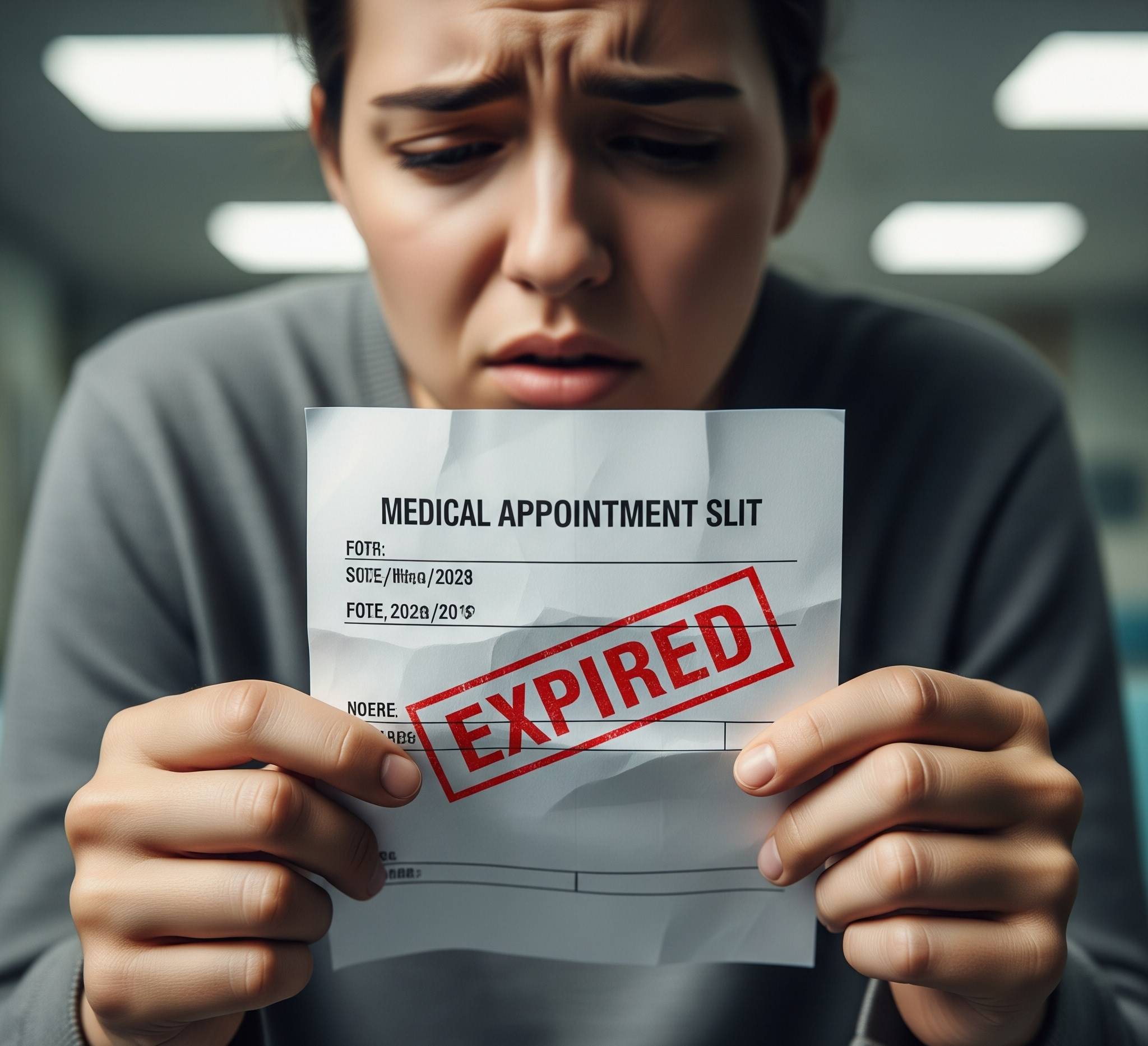
A GAMCA medical report is generally valid for 60 days (depending on GCC country rules).
If someone provides an old or expired report, it should be considered invalid.
Conclusion
Verifying the authenticity of your GAMCA medical report is crucial before applying for a visa or traveling to the GCC. Always cross-check the report through the official Gamca portal, validate QR codes, compare personal details, and ensure that the test was conducted at a legitimate center.