
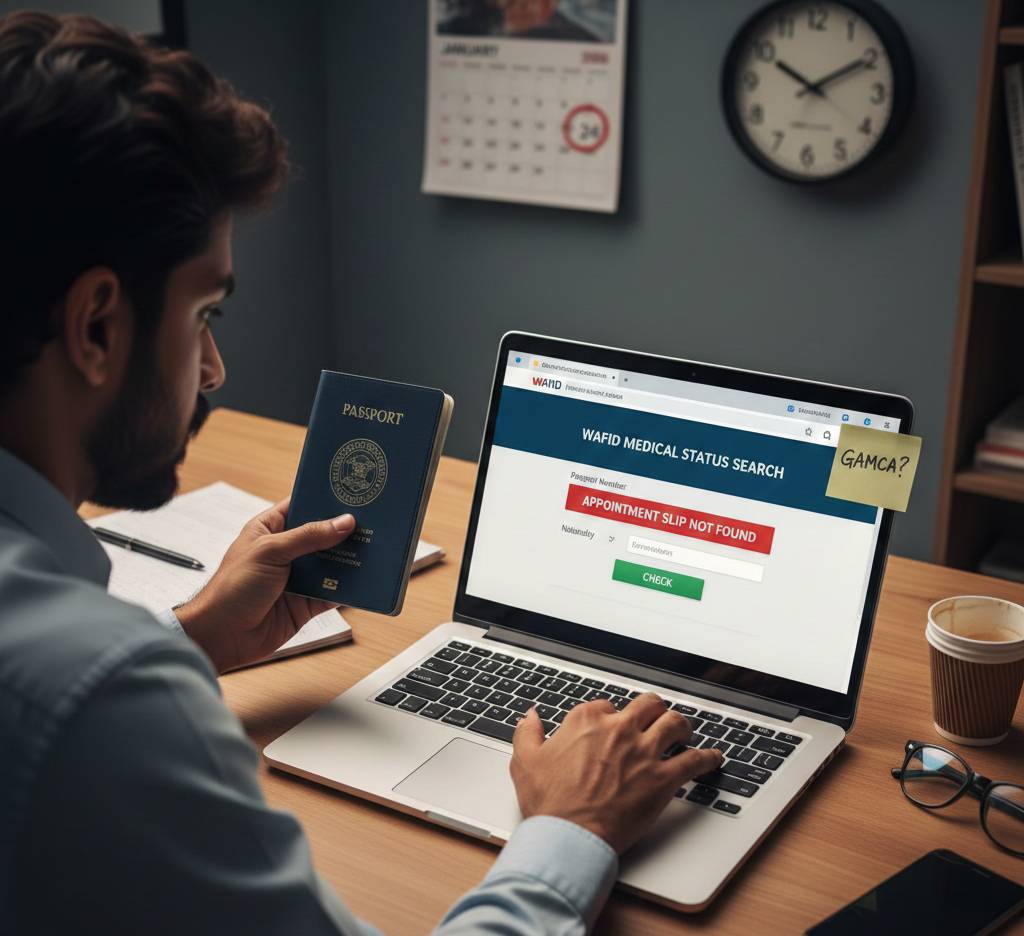
Losing your GAMCA slip can cause unnecessary stress, especially when it is required for Gulf employment visa processing. The good news is that you can typically access your GAMCA slip online via the GAMCA medical registration system. This tutorial describes how to retrieve a misplaced GAMCA slip, what paperwork is needed, and what to do if retrieval is not feasible.
What Is a GAMCA Slip?
An official medical registration document created after scheduling a Gulf medical examination through GAMCA is called a GAMCA slip. Important details, including your passport number, medical center information, reference number, and appointment status, are all included. The slip is required in order to attend the medical examination and finish the GCC countries’ visa requirements.
Can You Retrieve a Lost GAMCA Slip Online?
Yes, you may often obtain or reprint your GAMCA slip online using your passport information if you have already finished your medical registration. Applicants can access their slip without having to re-register because to the system’s safe storage of registration records.
How to Retrieve Your GAMCA Slip Online (Step-by-Step)
Follow these steps carefully to recover your lost GAMCA slip:
- Visit the official GAMCA medical registration portal.
- Select the option such as “Check Medical Status”, “Print GAMCA Slip”, or “Retrieve Registration.”
- Enter the required details, including:
-
- Passport number
- Nationality
- Destination Gulf country
- Submit the information to view your registration details.
- Download and print your GAMCA slip for future reference.
Ensure that all entered details match exactly with your original registration information.
What to Do If You Cannot Retrieve Your GAMCA Slip Online
If your GAMCA slip does not appear online, consider the following steps:
- Contact the GAMCA-approved medical center selected during registration.
- Reach out to GAMCA customer support for assistance.
- Check whether your GAMCA registration has expired, as slips are typically valid for a limited time.
If the slip has expired or the record is unavailable, you may need to create a new GAMCA registration.
Important Tips to Avoid Losing Your GAMCA Slip
- Save a PDF copy of your GAMCA slip immediately after registration.
- Keep a printed copy for emergencies.
- Avoid creating multiple registrations, as this may block retrieval.
- Double-check the passport number and destination country before submitting details.
Conclusion
You don’t have to start again if you misplace your GAMCA slip. Using your passport number and the official GAMCA portal, you can often obtain your GAMCA slip online. A seamless medical examination and visa application procedure can be ensured by acting quickly, entering accurate information, and maintaining backup copies.